
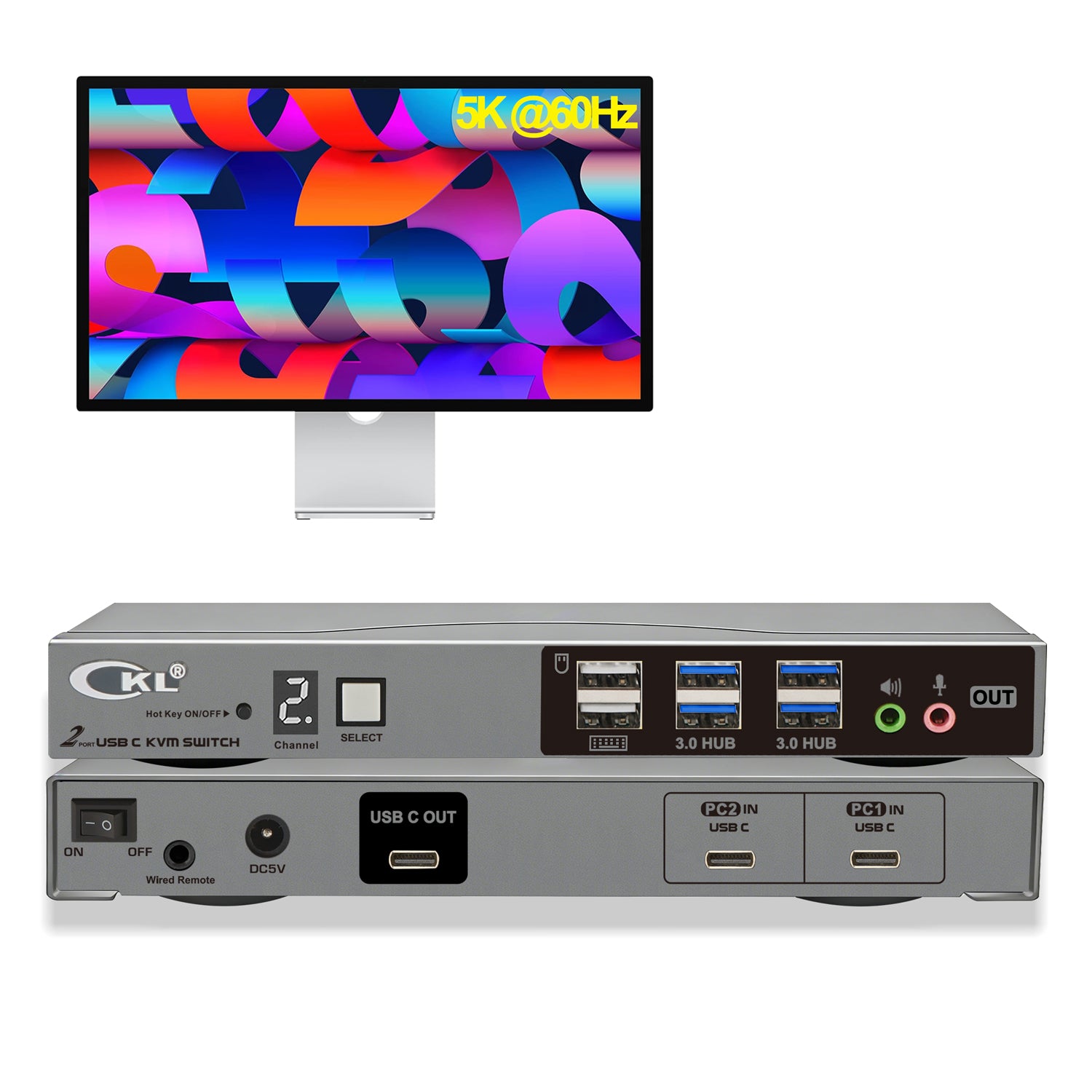
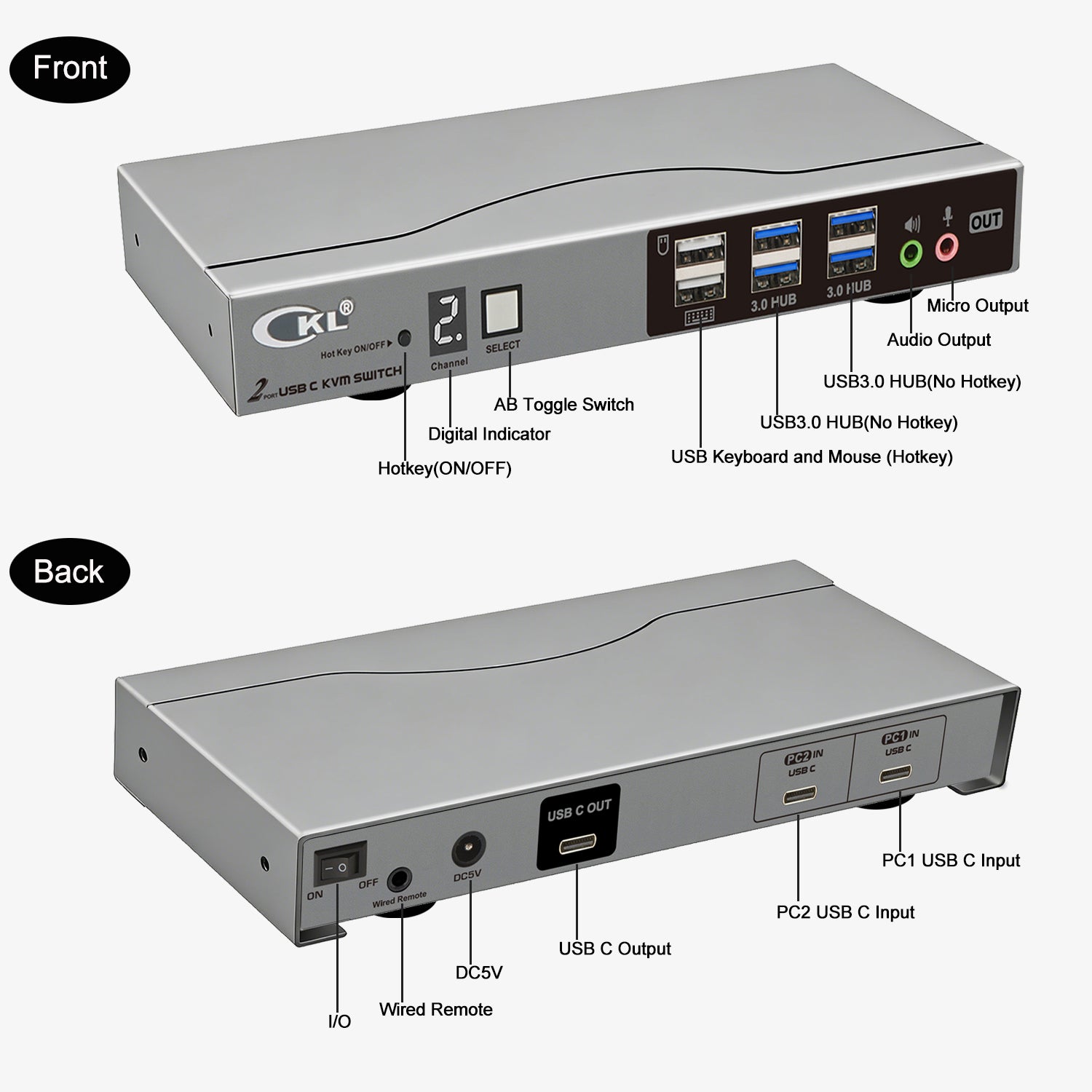
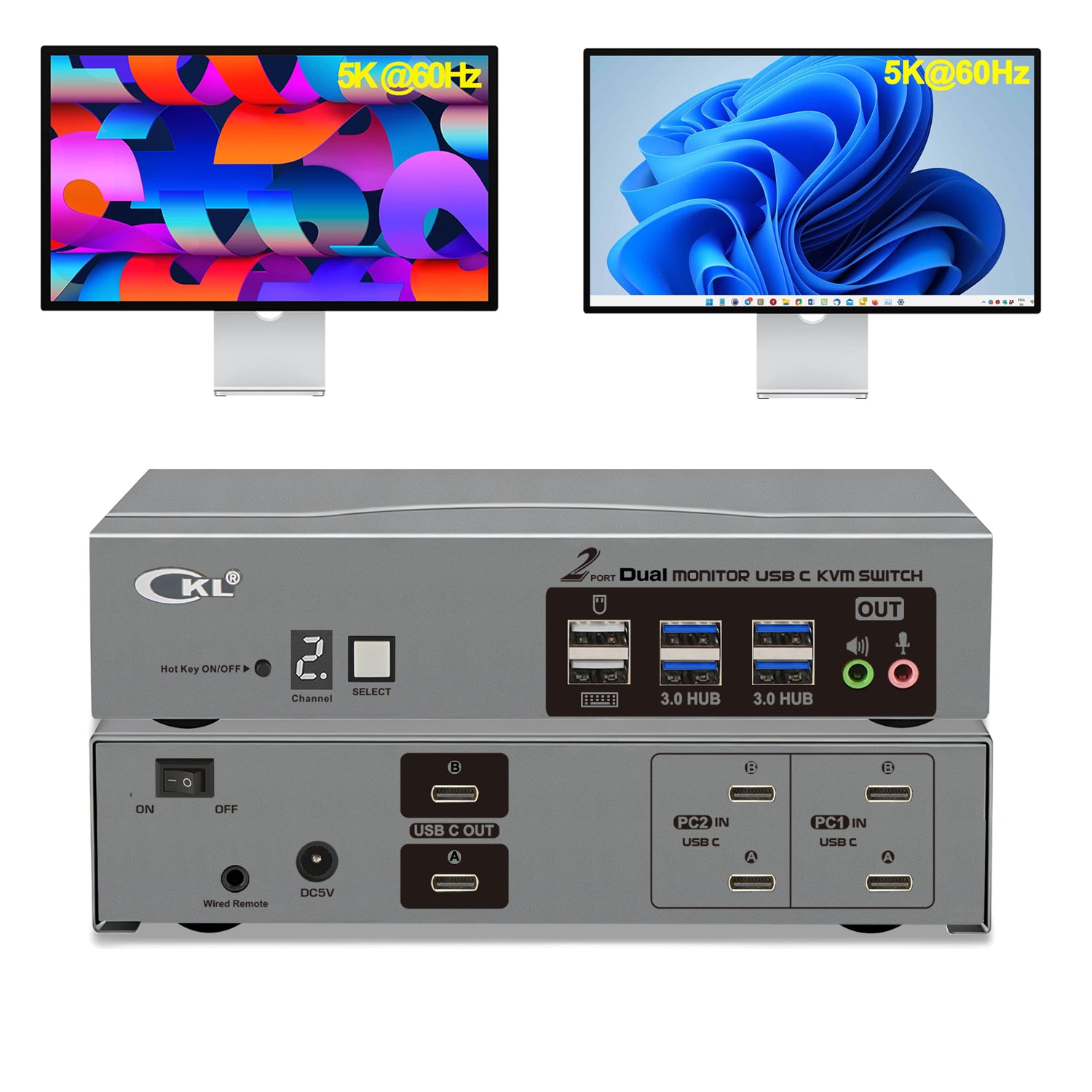
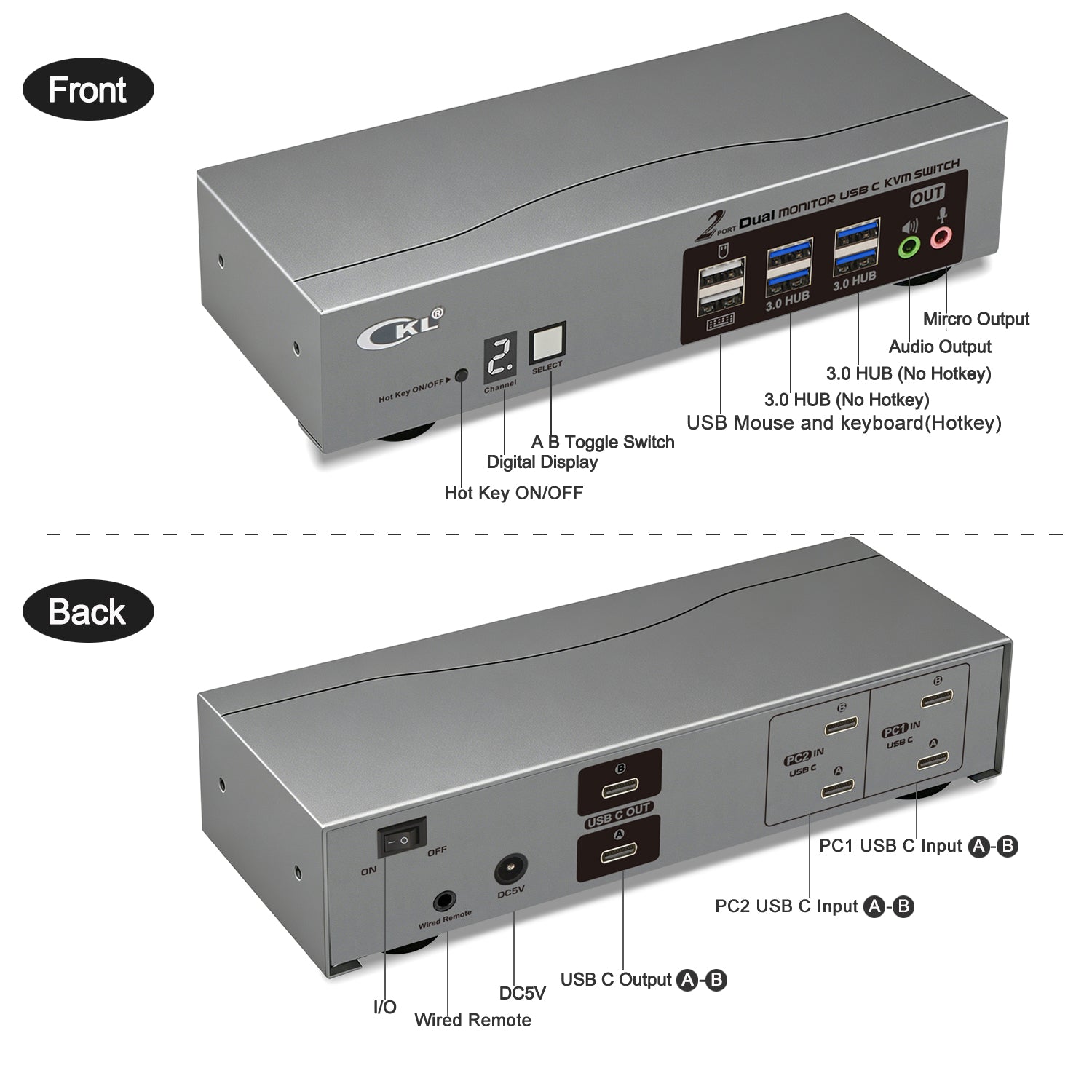
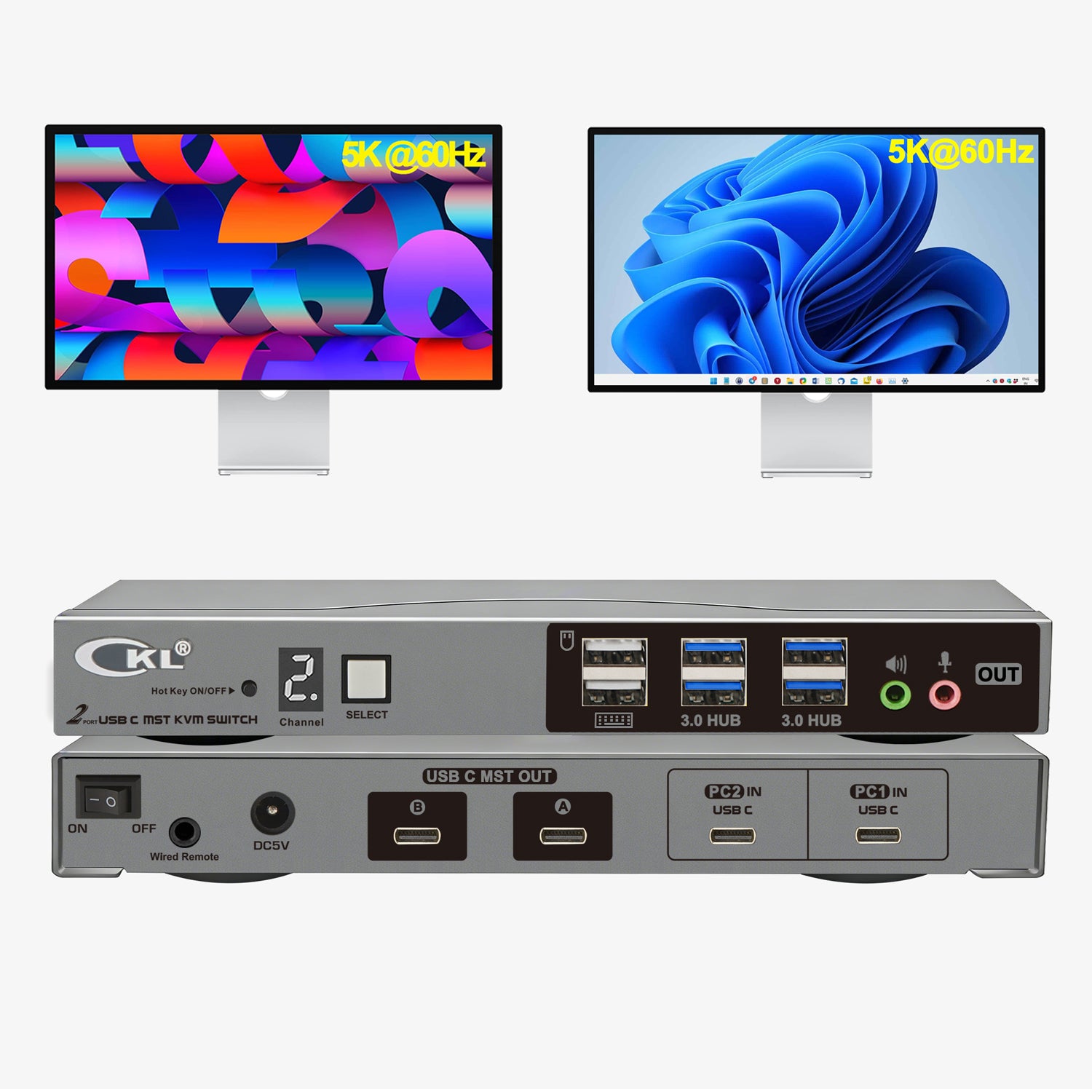
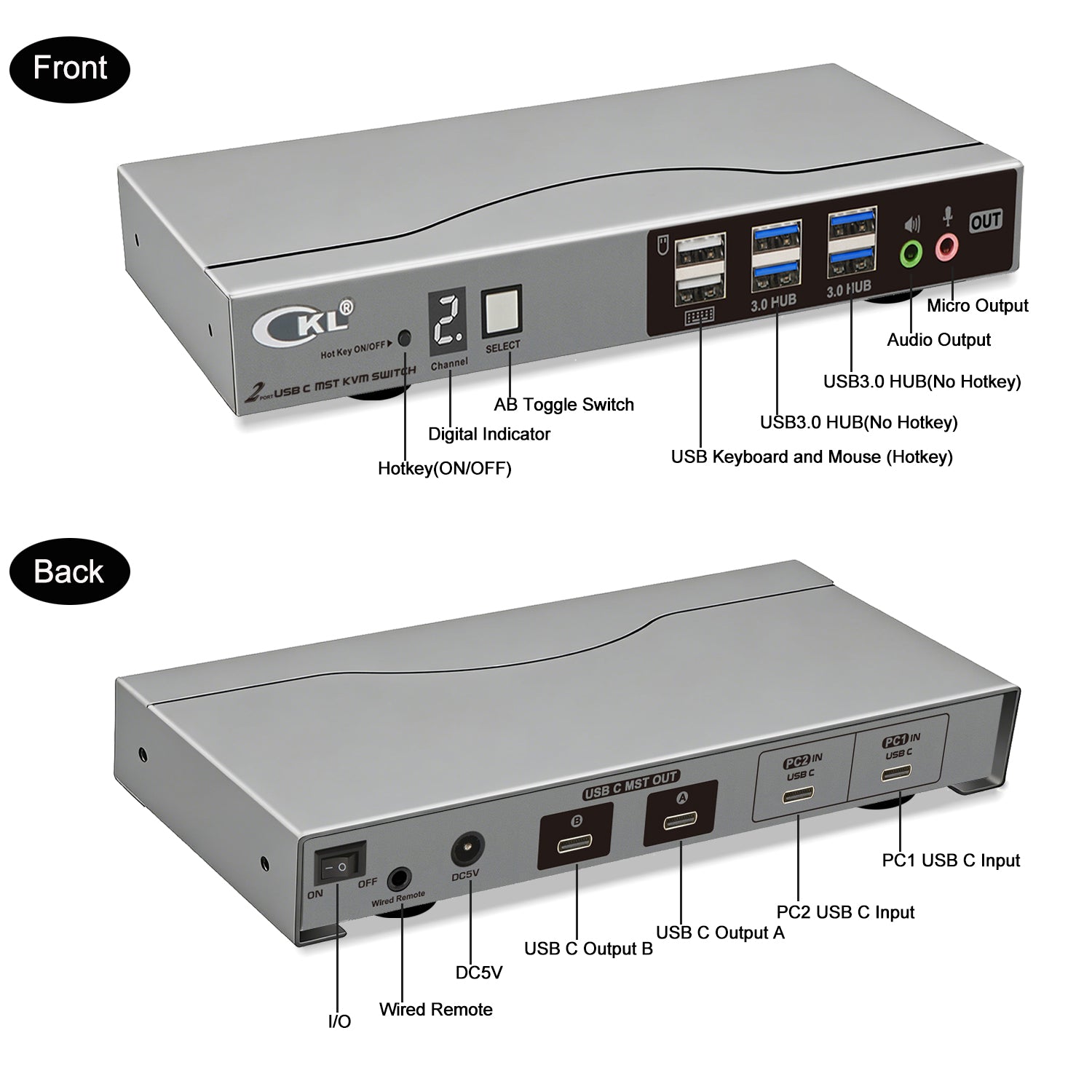
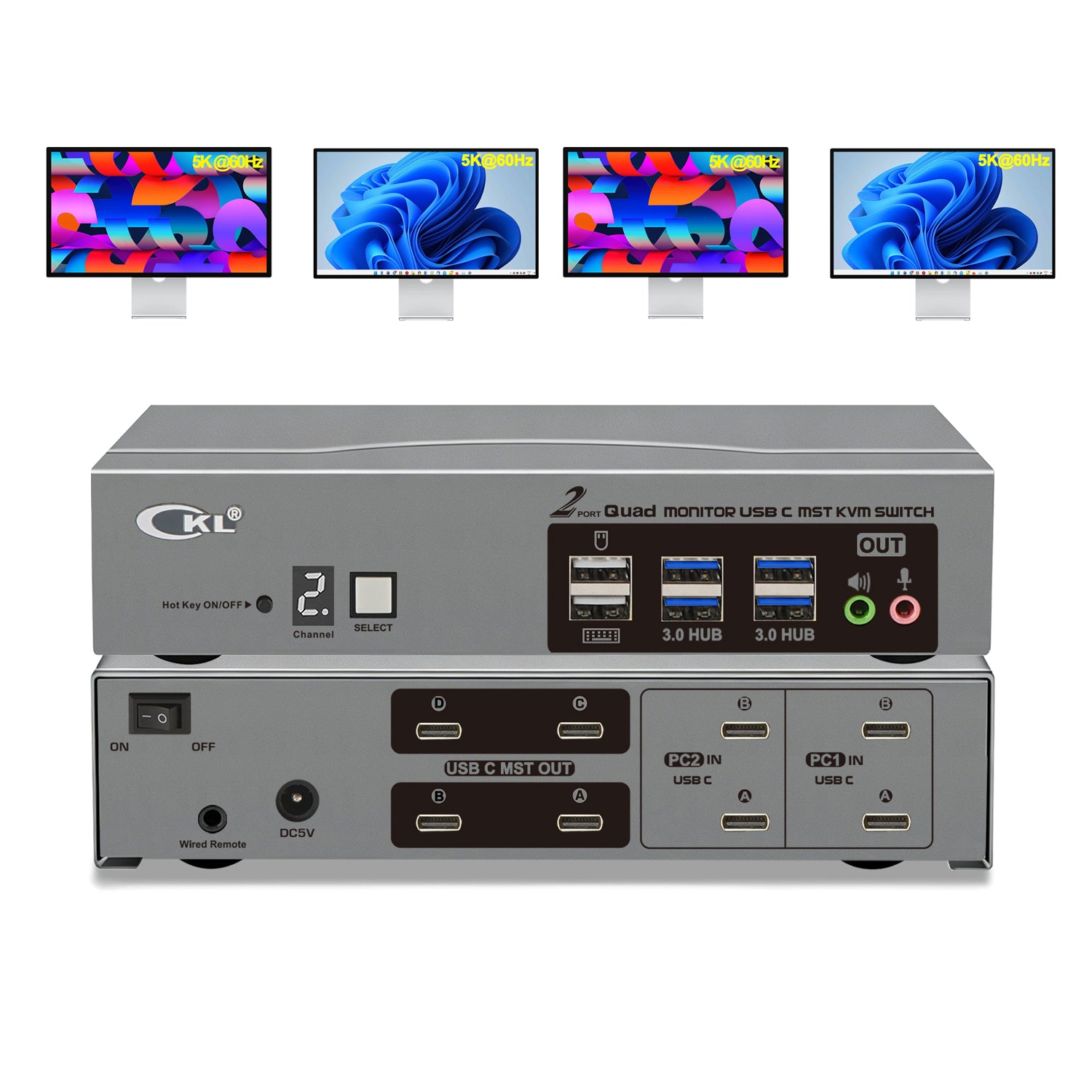
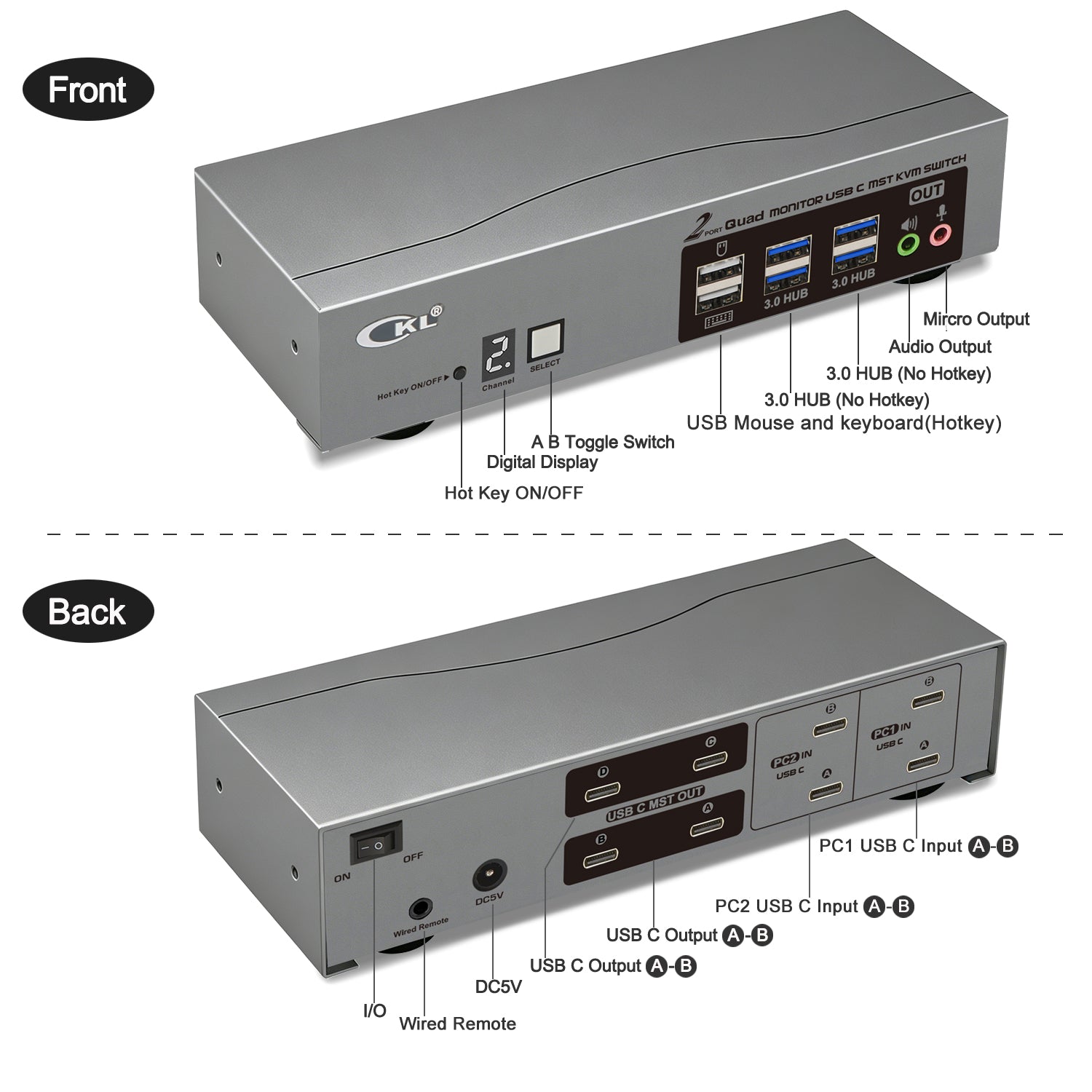
USB C In/Out design for apple studio display, Use adapter for none-usb c monitor
USB C KVM Switches


Featured collection
Best Sellers

ABOUT US
For over 20 years, CKL has engineered professional-grade KVM switches, extenders, video splitters, and adapters trusted by individual users, IT teams and enterprises worldwide. From compact desktop and laptop setups to rackmount data center solutions, we build the hardware that keeps multi-computer workflows running with higher productivity and convenience.
Our Blogs
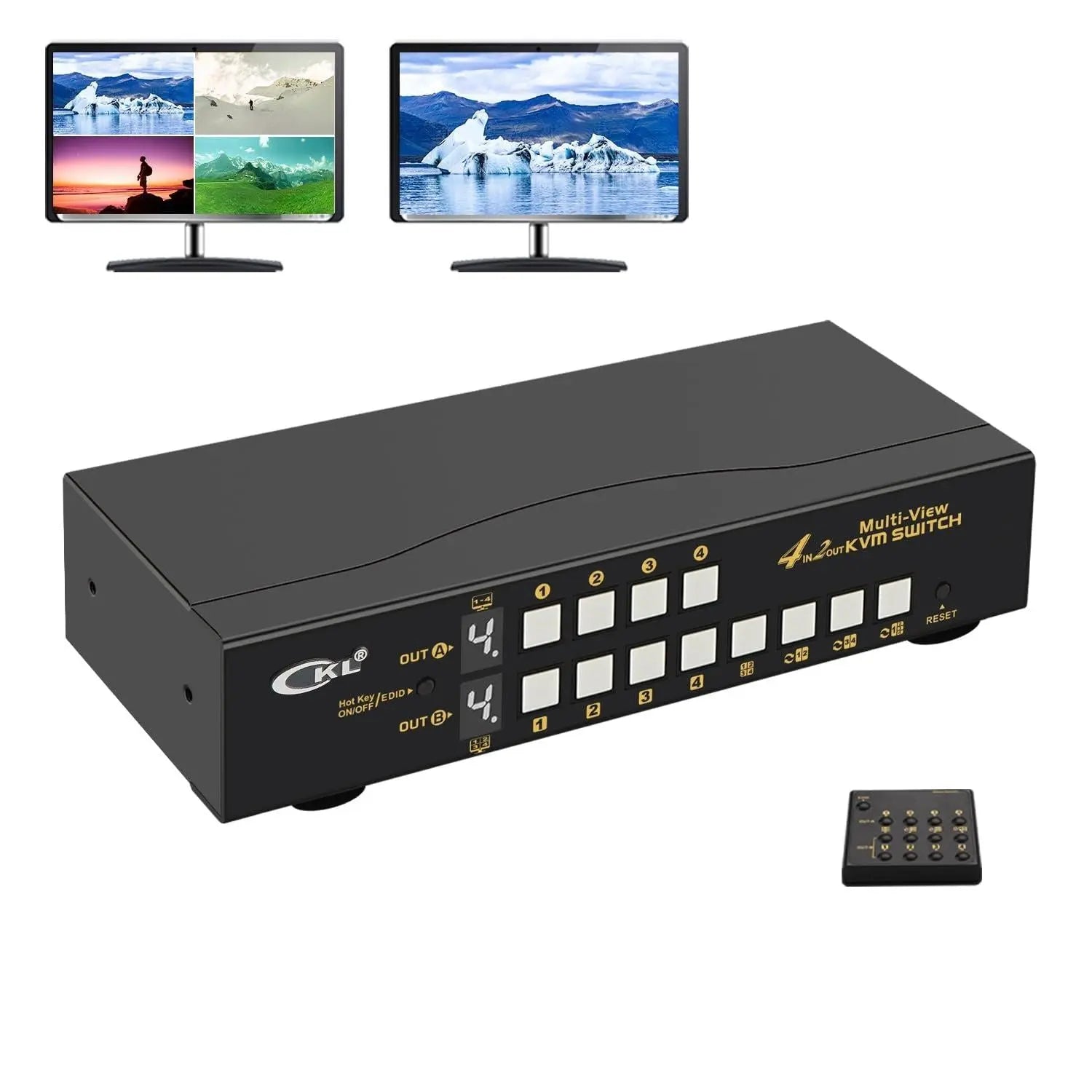
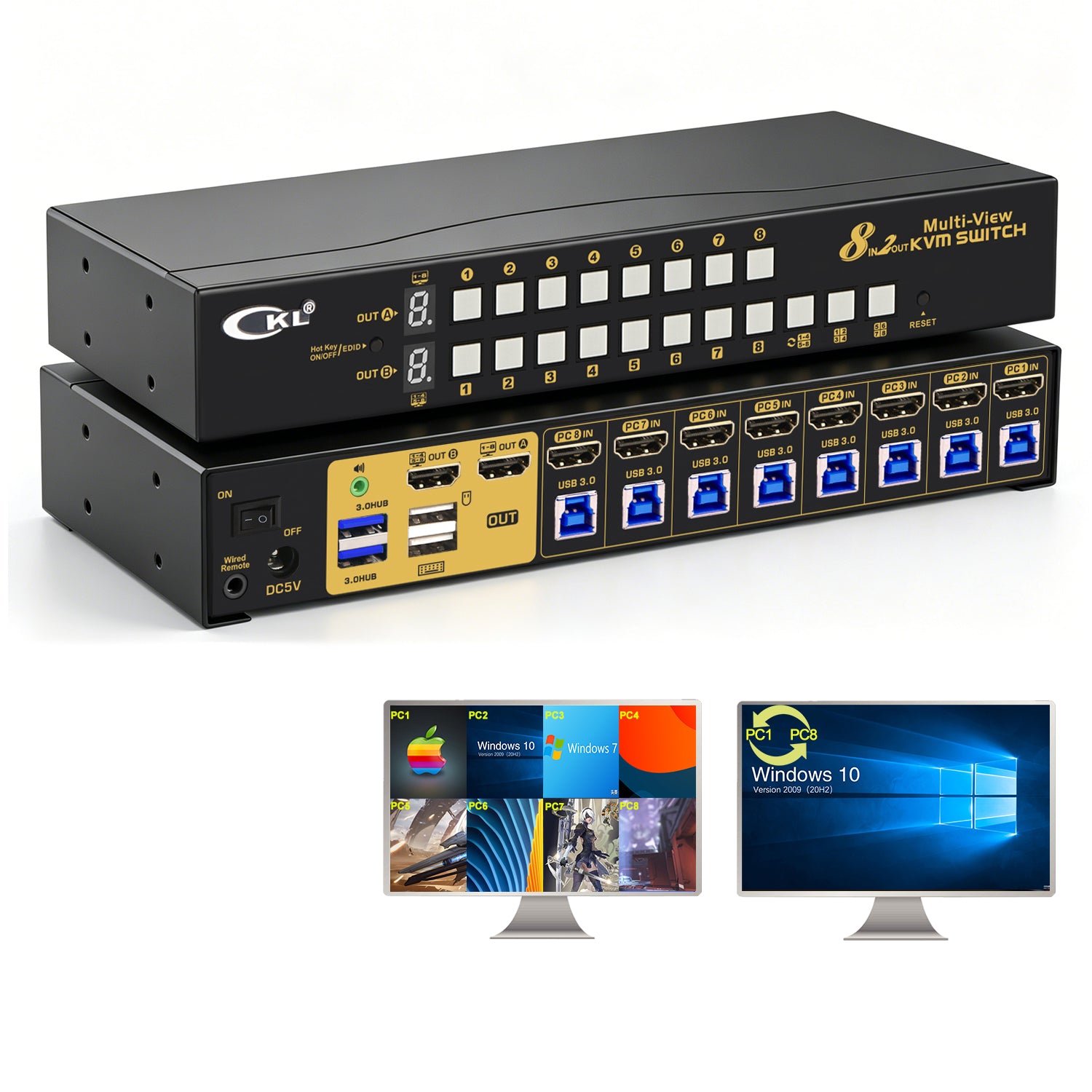
What Makes CKL Multi-Viewer KVM Switch Stand Out
CKL multi-viewer KVM switch offers dual monitor support, flexible display modes, and seamless switching for efficient multi-computer control.
Read moreList of Compatible Keyboards and Mice (Tested Not All)
This list is aiming to capture keyboards and mice we tested or recommended by happy customers that work well with CKL KVM Switches under Apple,XP, WIN7, WIN10,and Linnux. It does not represent all ...
Read moreHow to Select Models among CKL KVM Switches
As we are expanding our product catalogs, there might be some confusions on how to choose correct model among them. Basically, please follow below criteria: 1. Number of computers and monitors. 2....
Read more⭐⭐⭐⭐⭐
Mark Kriznic
I bought this device to share my dual monitor, mouse and keyboard setup with my personal desktop and work laptop. The device works brilliantly. I had a technical issue at one point where the keyboard and mouse stopped working when I switched to my personal desktop. I followed the troubleshooting guide but still couldn't resolve the issue. I contacted customer support by e-mail and after a couple of exchanges it was working again and I haven't had any issues since. Excellent customer service. I recommend this device and would buy from this seller again.
⭐⭐⭐⭐⭐
Like so many during this pandemic I find myself working from home. Bought this to switch between my home PC and work laptop sp wouldn't need two work stations. Works perfect -- easy options to switch between the two computers and allows me to utilize the dual monitors I need for work.
⭐⭐⭐⭐⭐
Patrick R. Joy
Works as advertised, except for a bad cable which took a while to diagnose. But after some use with a known good cable it worked as it should, very smooth and nothing out of the ordinary.
Update1: The KVM switch continues to work flawlessly, only needed some changes in the cabling, with updated DisplayPort to HDMI converters. 2 of my three computers are up to full 4K the last one waiting on two new converters and hopefully will get up to max resolution when they are installed.
Update 2: In the process of doing a permanent install of this KVM switch. I suddenly started having problems wth one PC on one of the dual displays. No matter what I did I could not get it to be detected by the PC. After a lots of substitution of known good cables and display port adapters. It came down to a bad 9 foot special HDMI/usb cable that I bought special for my KVM project. This is the second cable to go bad. I am reviewing this cable here, because people are using these cables with KVM switches and they are failing. I am not sure if it is the cable or the KVM switch. But I am leaning towards the cable. I will update this review once I get the new cables in and test them. I am still giving this KVM switch a 5 star rating because it has been working great with good cables. I will update this review once I get the new cables in and test them.
⭐⭐⭐⭐⭐
This installed easily (given how many connections there are). I have been using it for a few months, now. It makes switching between computers effortless! I love that. I work from home with a work computer but I also have a home computer. I need to use the same keyboard, monitor, mouse set up with both. I used to switch cables. What a pain! With this, I double-click the middle mouse button and I have switch between the computers. It is great
⭐⭐⭐⭐⭐
Jay Canfield
I have used CKL KVM devices before and have always had a great experience with them. I just retired their 3 monitor / 2 computer HDMI KVM after years of use. I have a new need to continue to use 3 monitors with 3 computers now. To be honest, I wanted to try a different manufacturer and purchased actually 2 different units from 2 different companies that claimed to have a 3 monitor / 3-4 computer solution. Both units failed miserably and did not work and were returned.
To be fair here, I would have purchased this unit first had I found it when I searched on Amazon. Unfortunately this unit is buried several pages deep (probably due to the price and uniqueness of having a 3 monitor / 3-4 computer KVM.
So here we are, this device arrived today and as CKL units in the past delivered on the promises this device purported to provide. It connected easily, and all 3 of my devices were accessible without any issue. Refresh rates are fine and so is ease of switching between computers. I am very happy with this purchase and would recommend this unit to anyone looking for a 3 monitor / 3-4 computer KVM solution. I am very happy with this purchase and would recommend this unit to anyone looking for a 3 monitor / 3-4 computer KVM solution.